- What problem does cc-router solve?
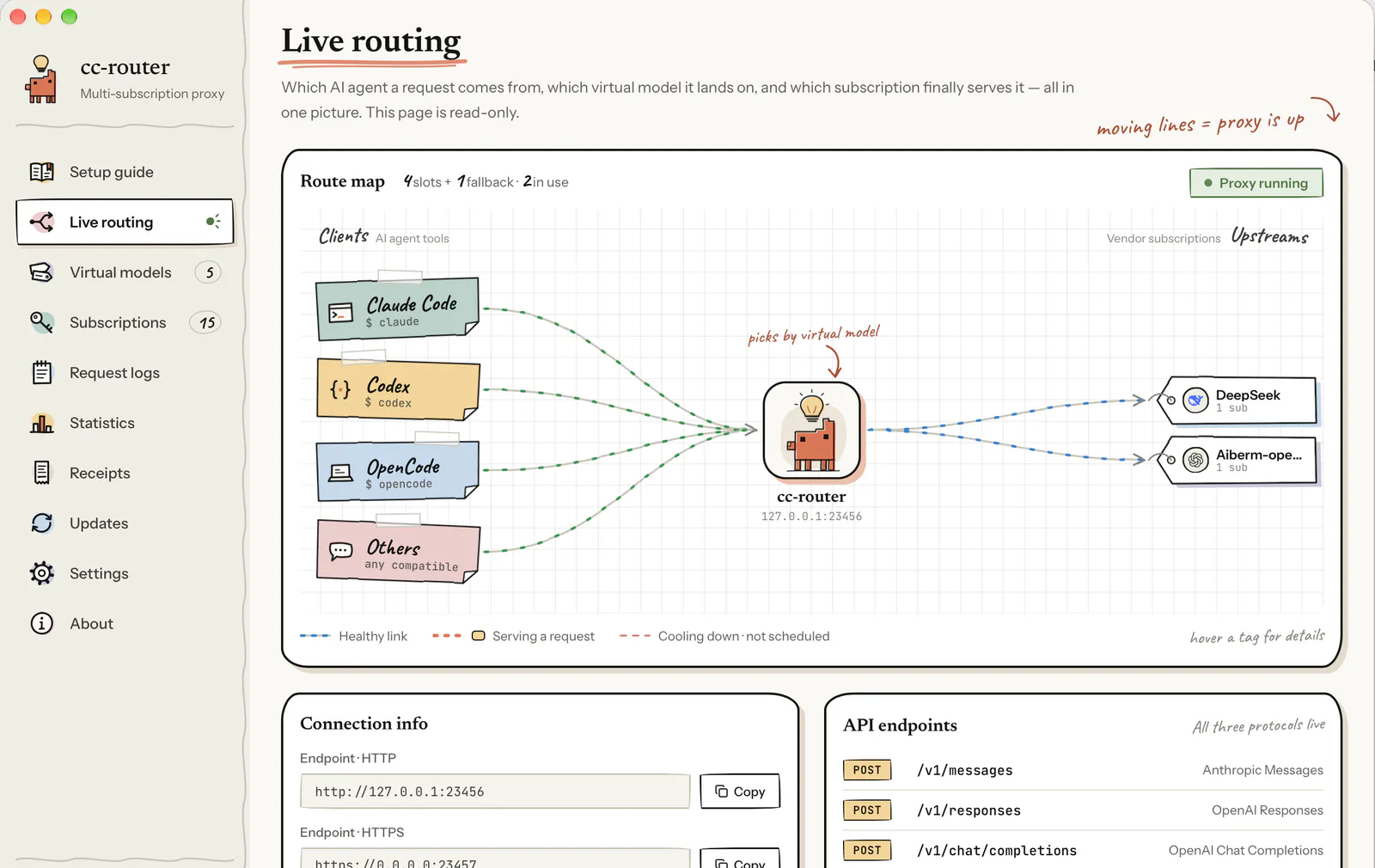
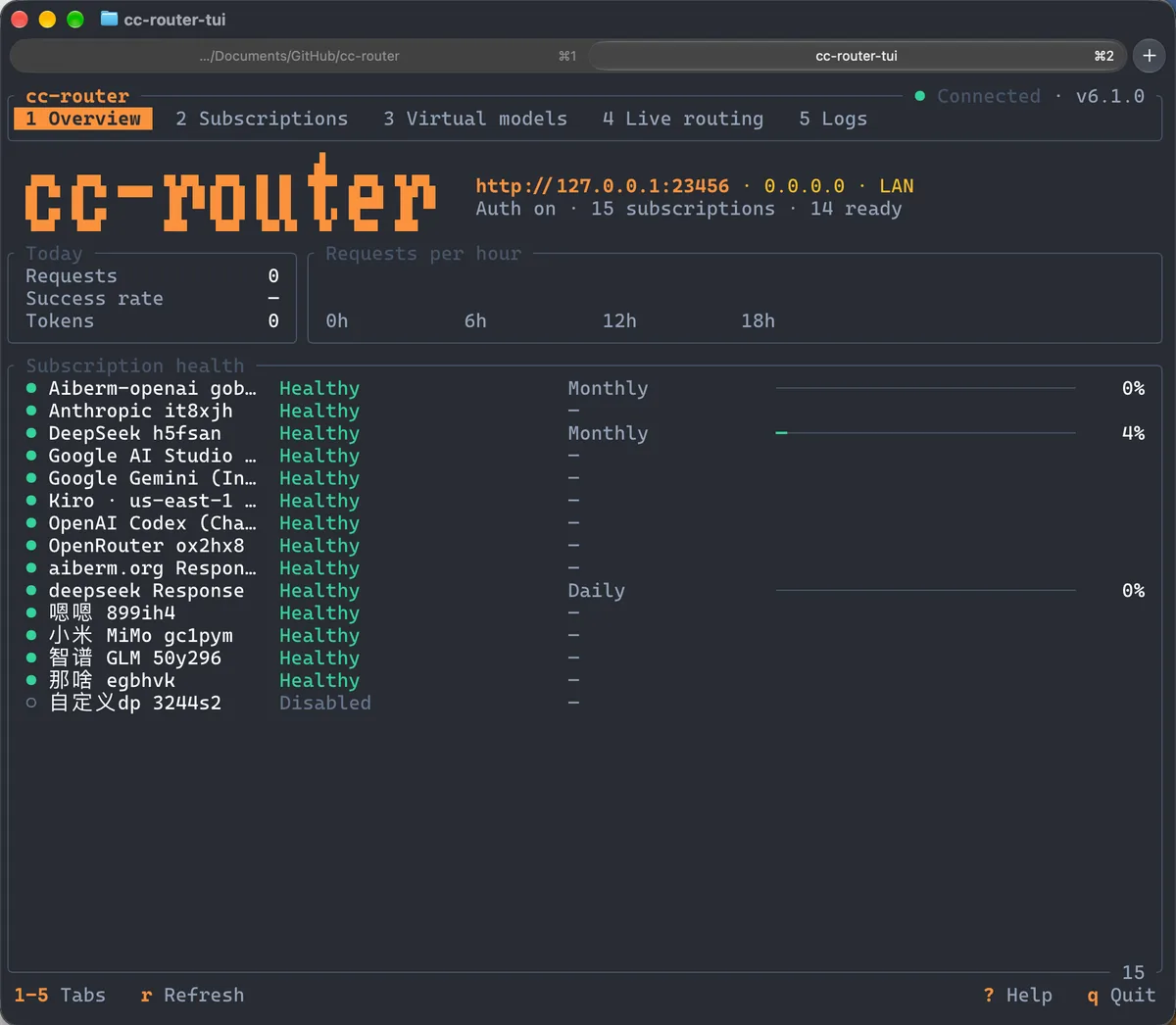
- Without it, your AI agent can only talk to one vendor at a time — small plans run out at the worst moment and you switch configs by hand. With cc-router in front, your agent transparently load-balances and fails over across vendors A, B and C. Three plans behave like one.
- What are model-fable / opus / sonnet / haiku for?
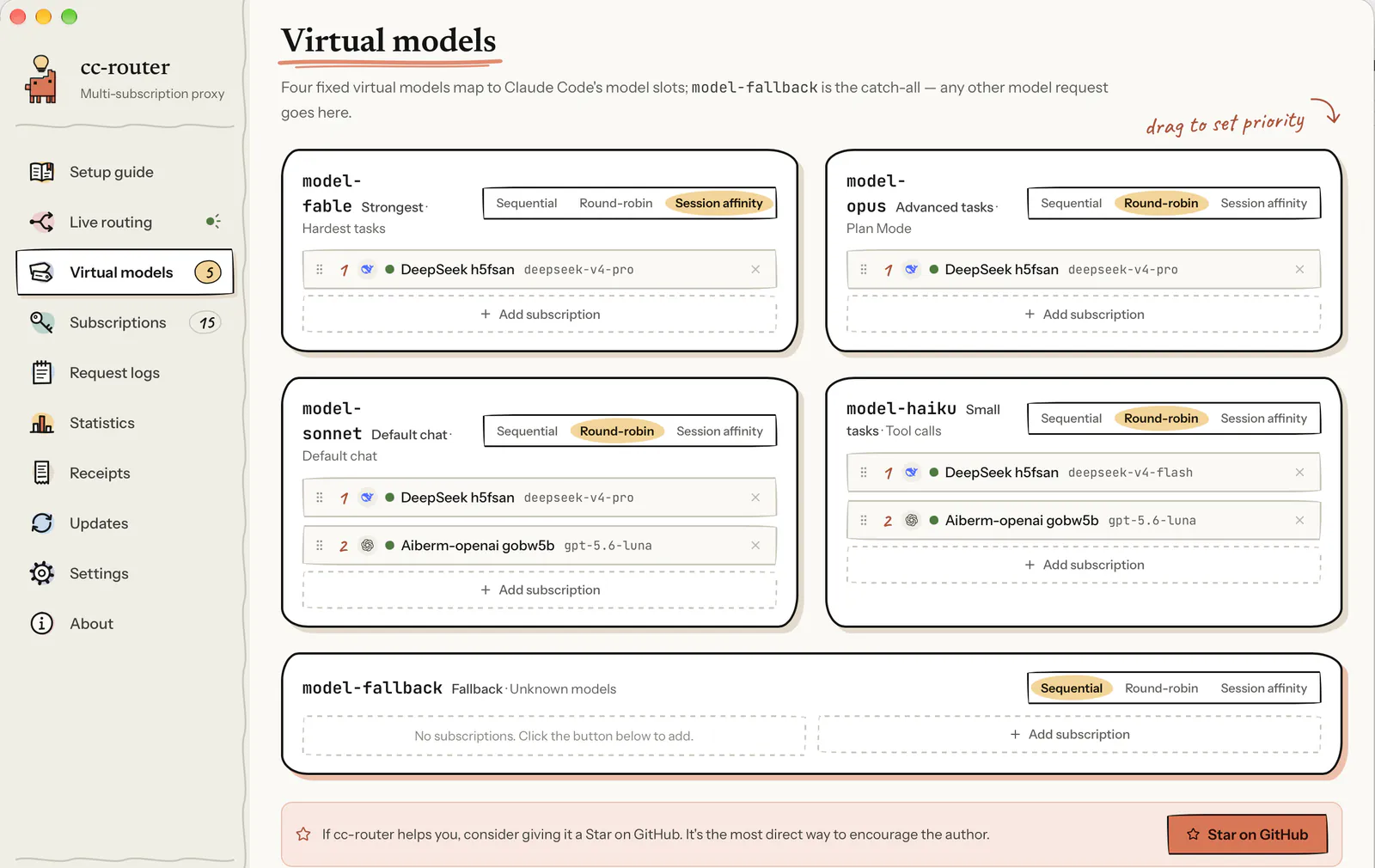
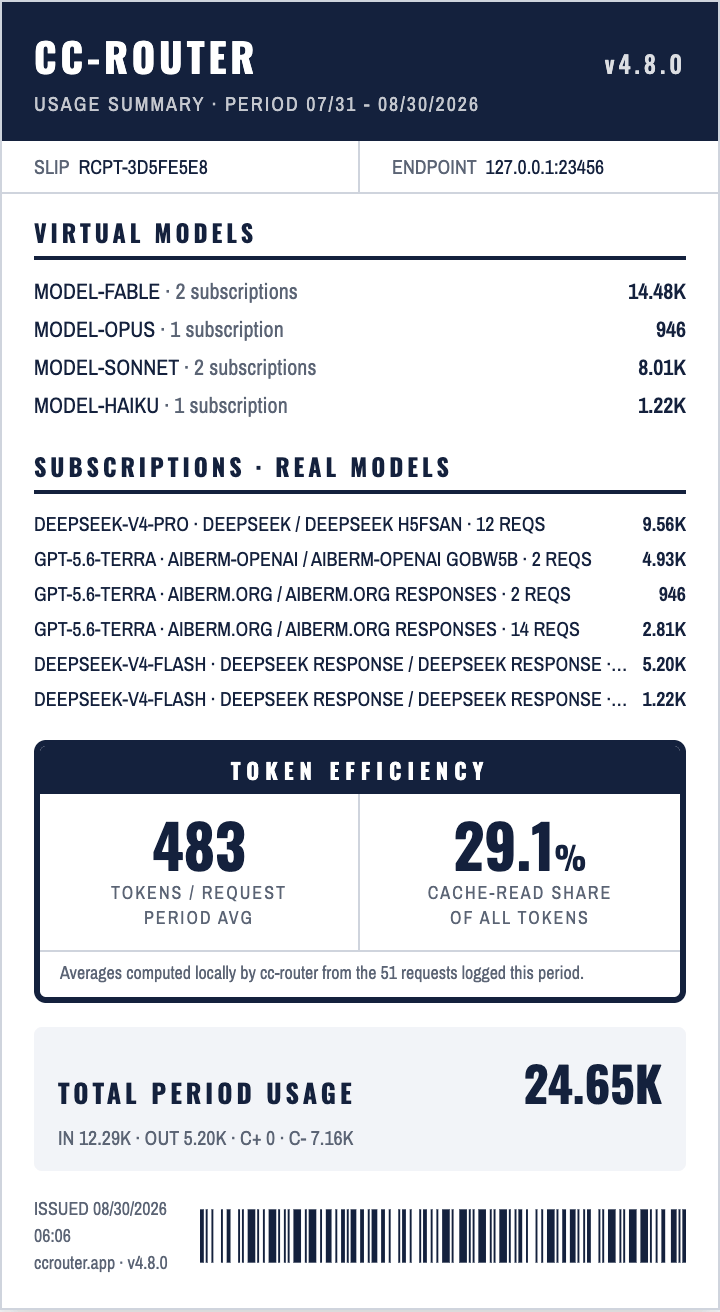
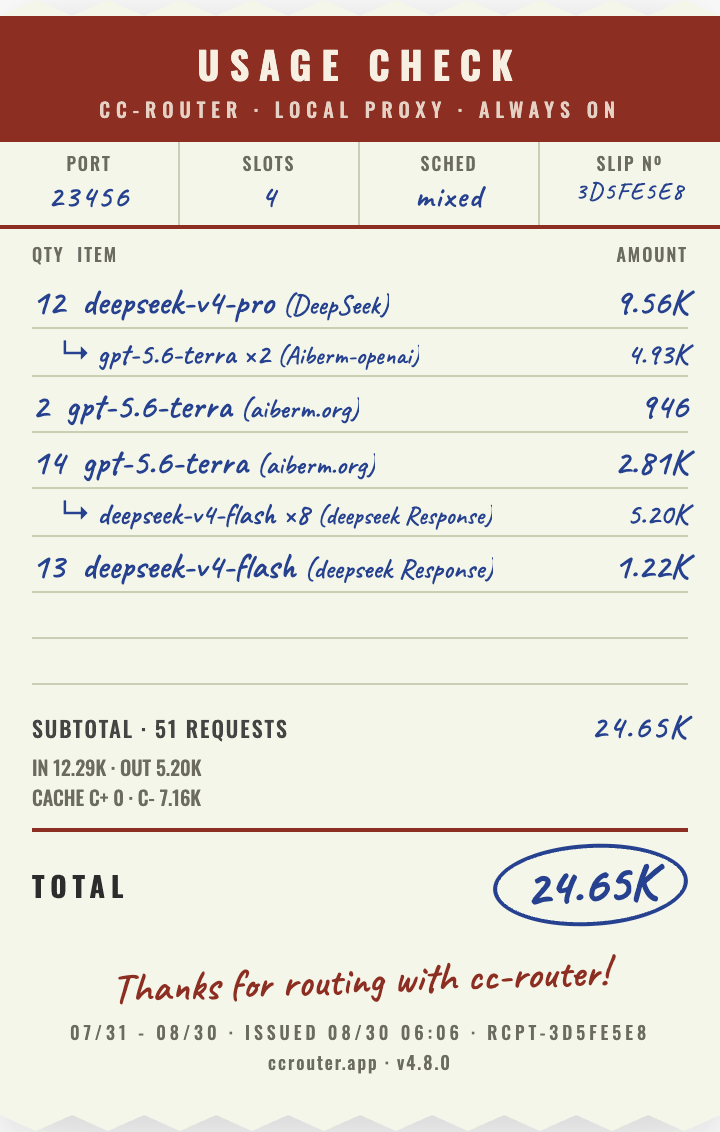
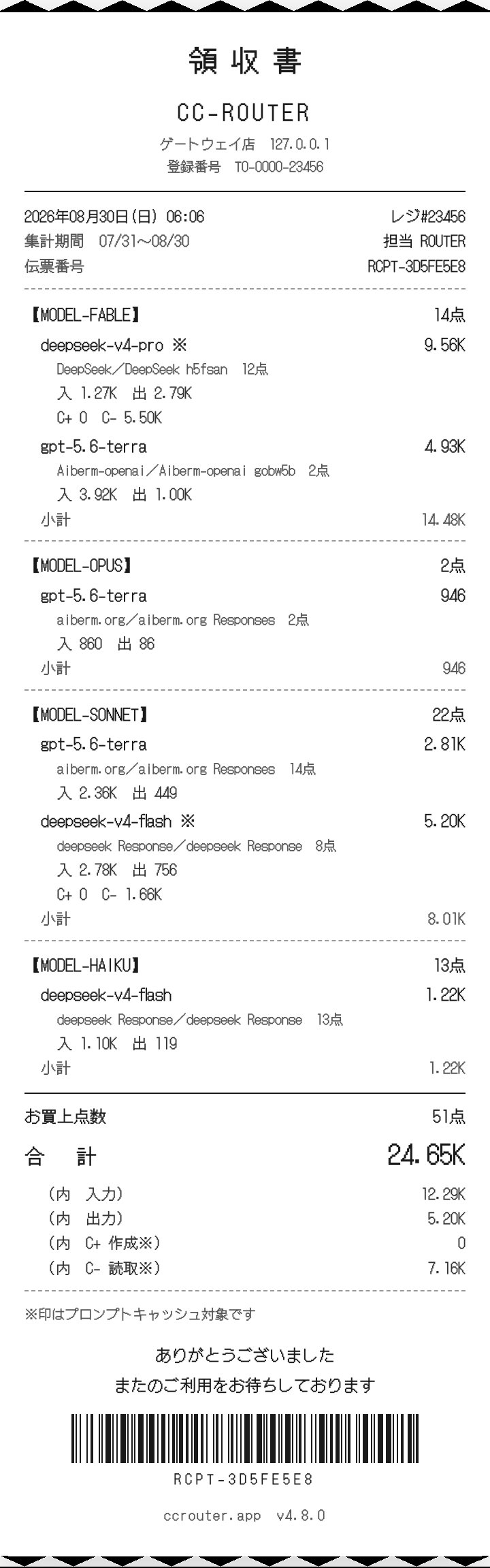
- Claude Code splits work by difficulty: fable for the hardest tasks, opus for planning, sonnet for coding, haiku for tool calls. cc-router abstracts those into four virtual slots; each binds a set of real models plus a scheduling mode. A fifth virtual model, model-fallback, catches anything that matches none of the four. Requests route by mapping — no more editing settings.json.
- Sequential, round-robin or sticky?
- Sequential: drain A first, then B. Great cache hit rate, perfect for squeezing two small plans. Round-robin: split traffic evenly, but caches across accounts are independent so total quota burn is higher in exchange for real load balancing. Sticky: one session stays pinned to one vendor, keeping cache hits while still spreading load across accounts.
- Does Codex work too?
- Yes. cc-router serves Anthropic /v1/messages, OpenAI /v1/responses and /v1/chat/completions at the same time. Codex CLI and the Codex desktop app connect through /v1/responses and share the very same subscription pool and scheduling rules as Claude Code.
- Is this a reverse-engineering tool?
- No. cc-router only forwards requests; the body is passed through nearly verbatim. It does not reverse, jailbreak or bypass anything. Users remain responsible for following each plan's Terms of Service.
- Does my data go to the cloud?
- No. cc-router is a pure local proxy bound to 127.0.0.1:23456. All forwarding happens on your machine. There is no telemetry or external traffic beyond the provider APIs you configure.